
Quick Order List for Shopify
The Quick Order List your buyers actually want
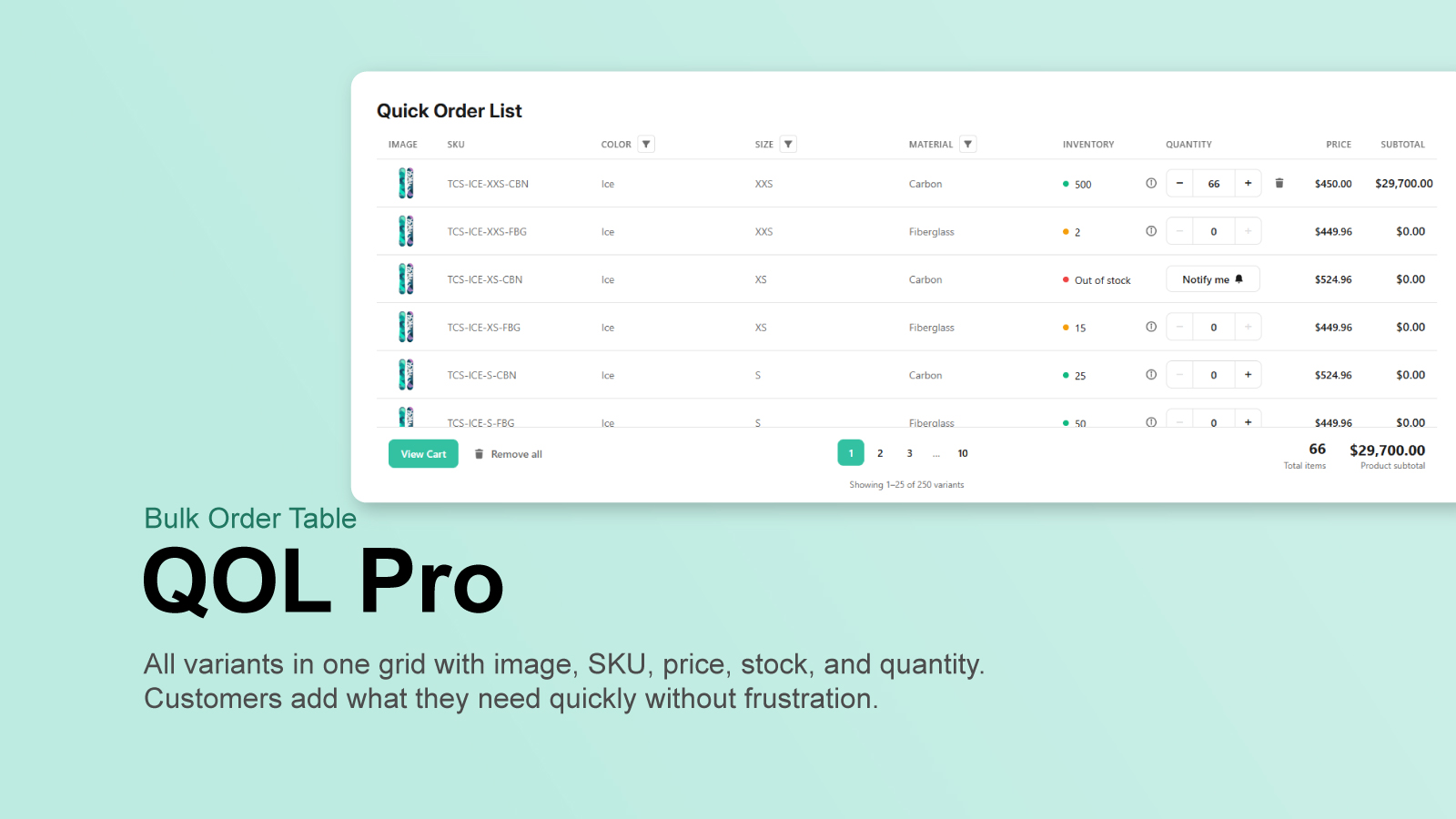
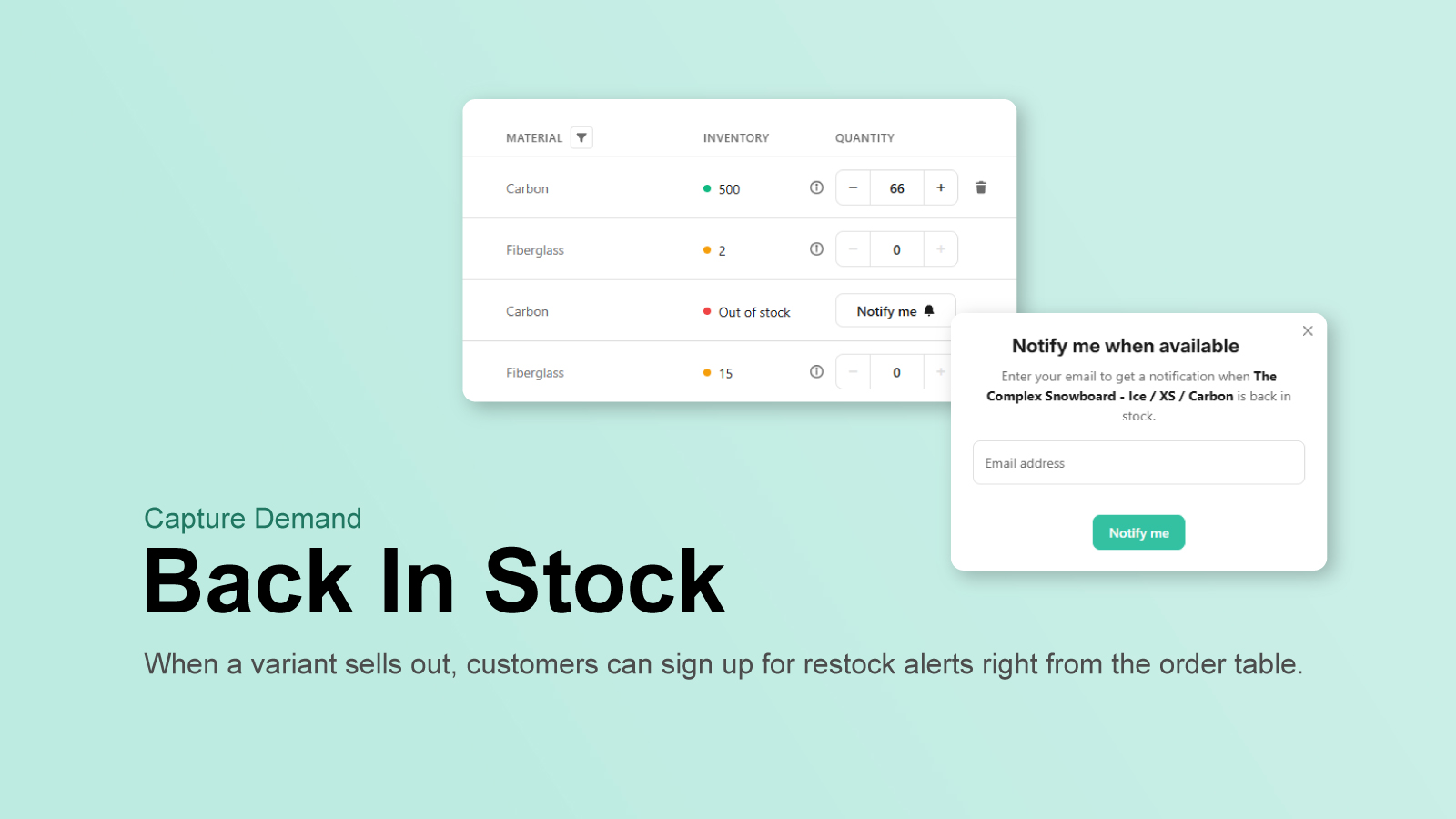
All variants in one grid with image, SKU, price, stock, and quantity. Customers add what they need quickly — no more clicking through dropdowns.
Setup
Live in under two minutes
No coding, no configuration files, no external services.
- 1
Install from the Shopify App Store
Add QOL Pro to your store in one click.
- 2
Add the Quick Order List block
Open the theme editor and drop the block onto your product template wherever you want the table.
- 3
Customize and publish
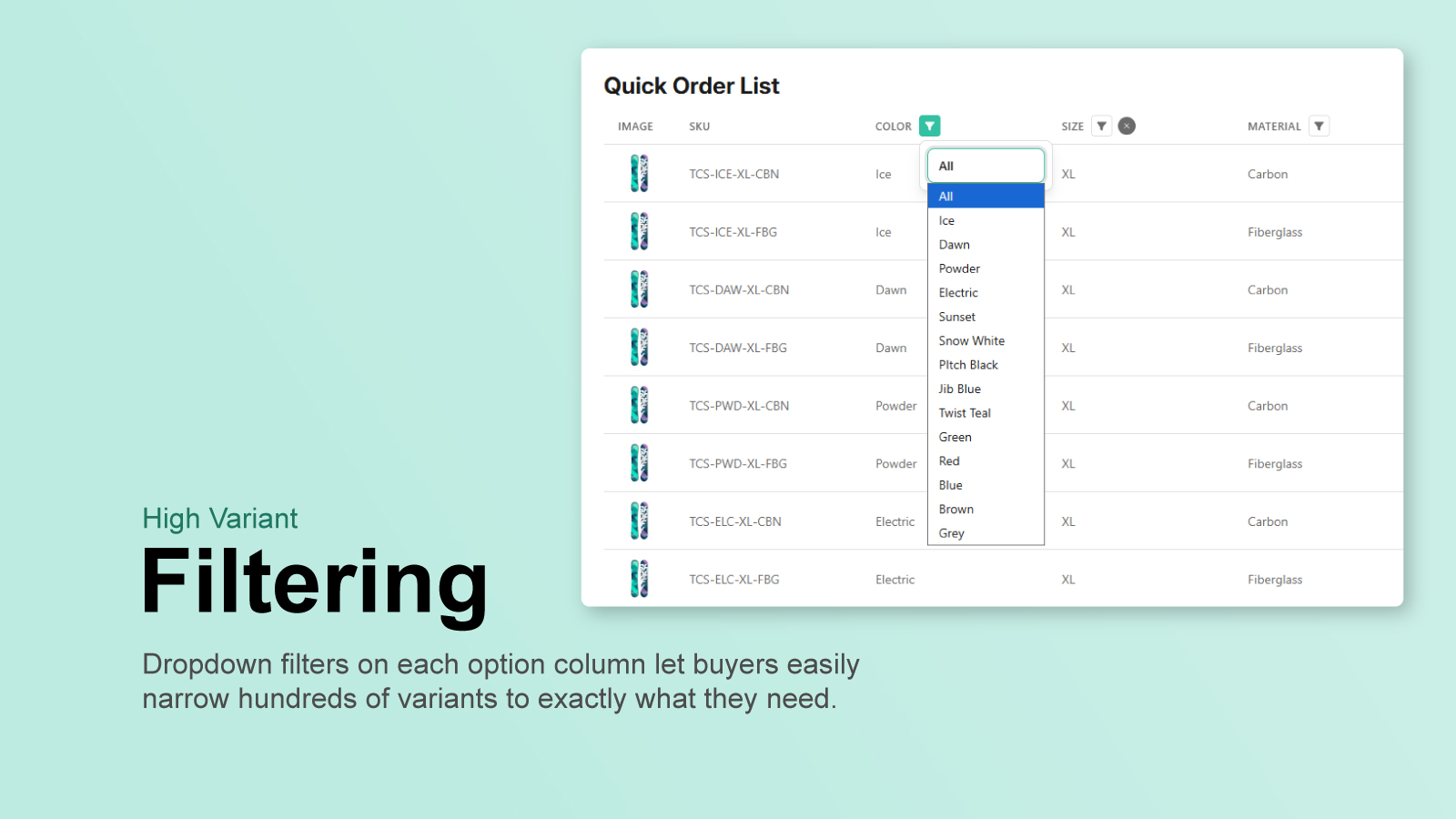
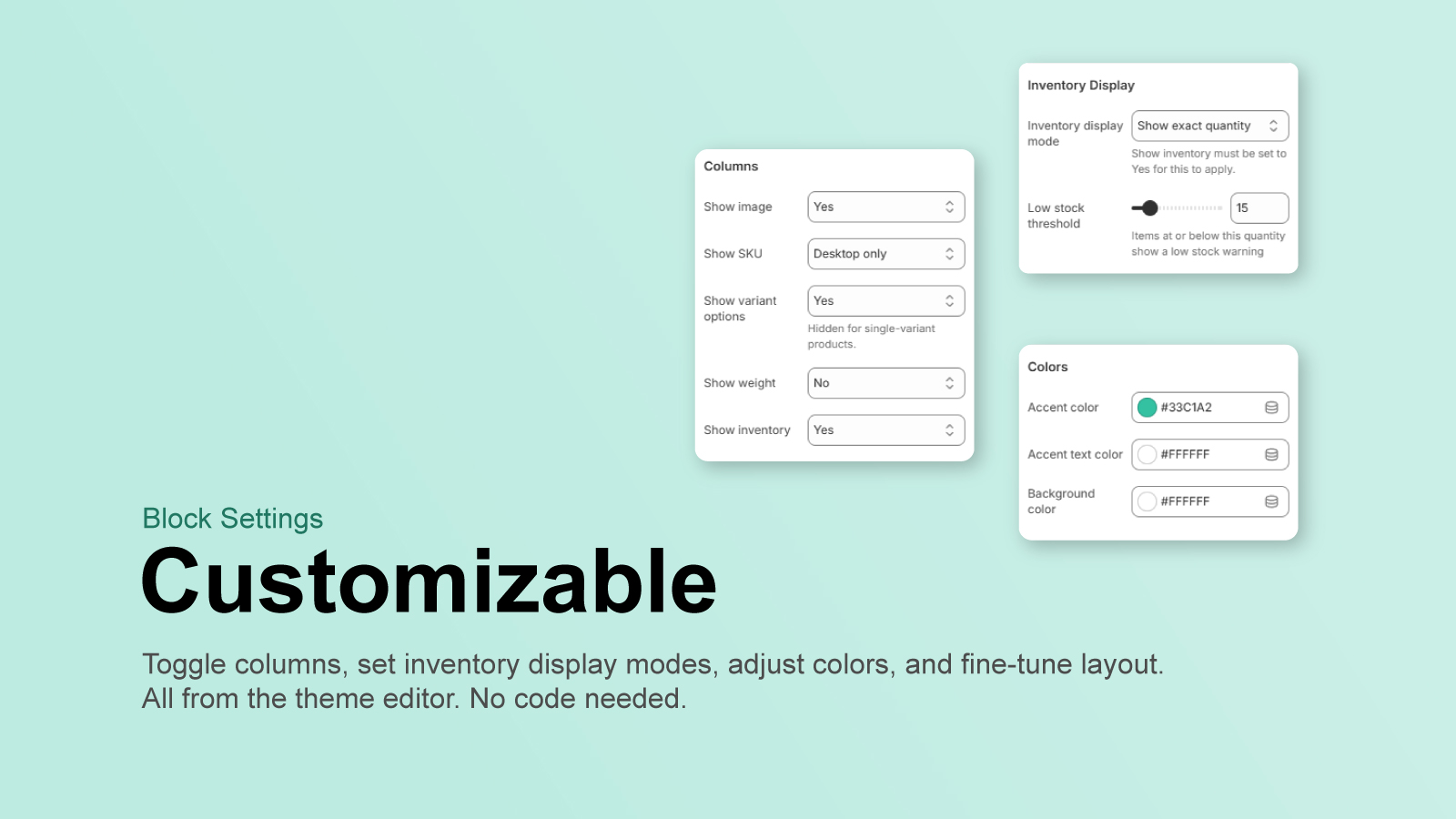
Choose your columns, set your colors, enable filters — then hit save. Your customers get a scannable, filterable order list.
Ready to simplify bulk ordering?
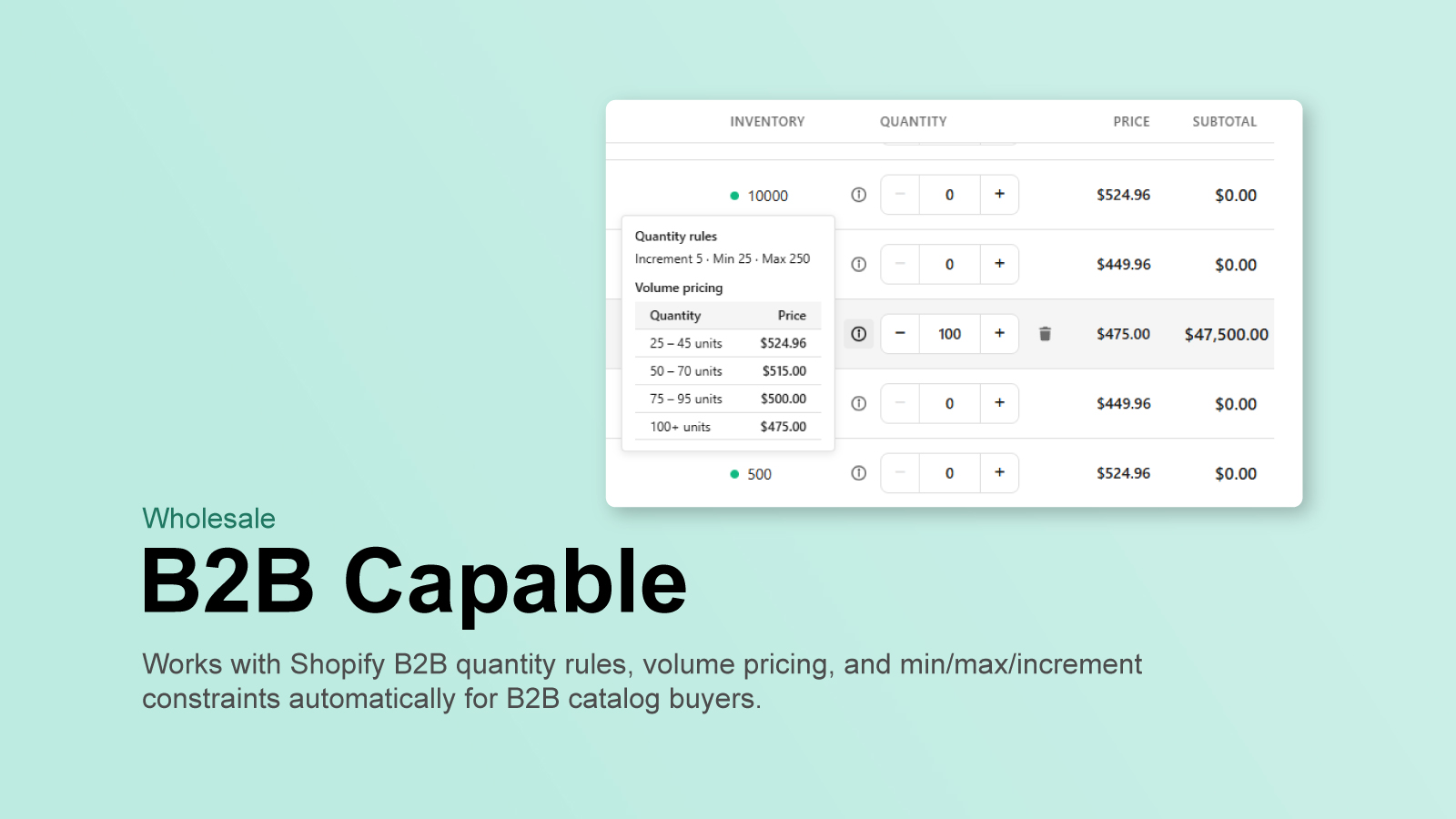
Join merchants using QOL Pro to give their B2B and wholesale customers a faster buying experience.
Get QOL Pro on the App Store